
Appointment Booking Website Design in Egypt: 2026 Guide
Appointment booking website design in Egypt helps clinics, service centres, consultants, education providers, and beauty businesses accept and organise bookings throughout the day. A successful project starts by defining the customer journey and booking rules, then building a simple interface and a clear dashboard. Review DevAin’s professional website design service and our website with admin dashboard guide to understand both the customer and management sides.
A booking system is not merely a form asking for a name and phone number. A practical solution displays services and available times, prevents conflicts, sends confirmations, and lets staff reschedule or cancel bookings through a mobile-friendly workflow.
What is an appointment booking website?
It allows a customer to choose a service, branch, or provider, select an available date and time, submit contact details, and receive confirmation. Staff use the dashboard to manage schedules, booking status, and customer communication.
The workflow may be simple for one provider or complex across several branches, employees, services, and durations. Booking system development should therefore begin with real operating rules rather than the appearance of the calendar.
Which businesses benefit from online booking?
- Clinics, medical centres, and physiotherapy centres.
- Beauty salons, spas, and wellness centres.
- Consultants, lawyers, coaches, and trainers.
- Education centres, courses, and assessments.
- Home maintenance and automotive services.
- Sports venues, studios, and coworking spaces.
- Companies offering consultations or product demonstrations.
Each industry requires different information. A clinic may need specialty and doctor selection, while a repair centre needs equipment or vehicle details and a training provider needs course and level.
The customer booking journey
- Select the required service.
- Choose a branch or provider where applicable.
- View only available dates and times.
- Enter essential contact details and notes.
- Accept the booking and cancellation policy.
- Pay a deposit or full amount when required.
- Receive confirmation and a reminder.
Every unnecessary step may reduce completion, so collect only essential information, use clear calls to action, and avoid long mobile forms.
Essential appointment booking website features
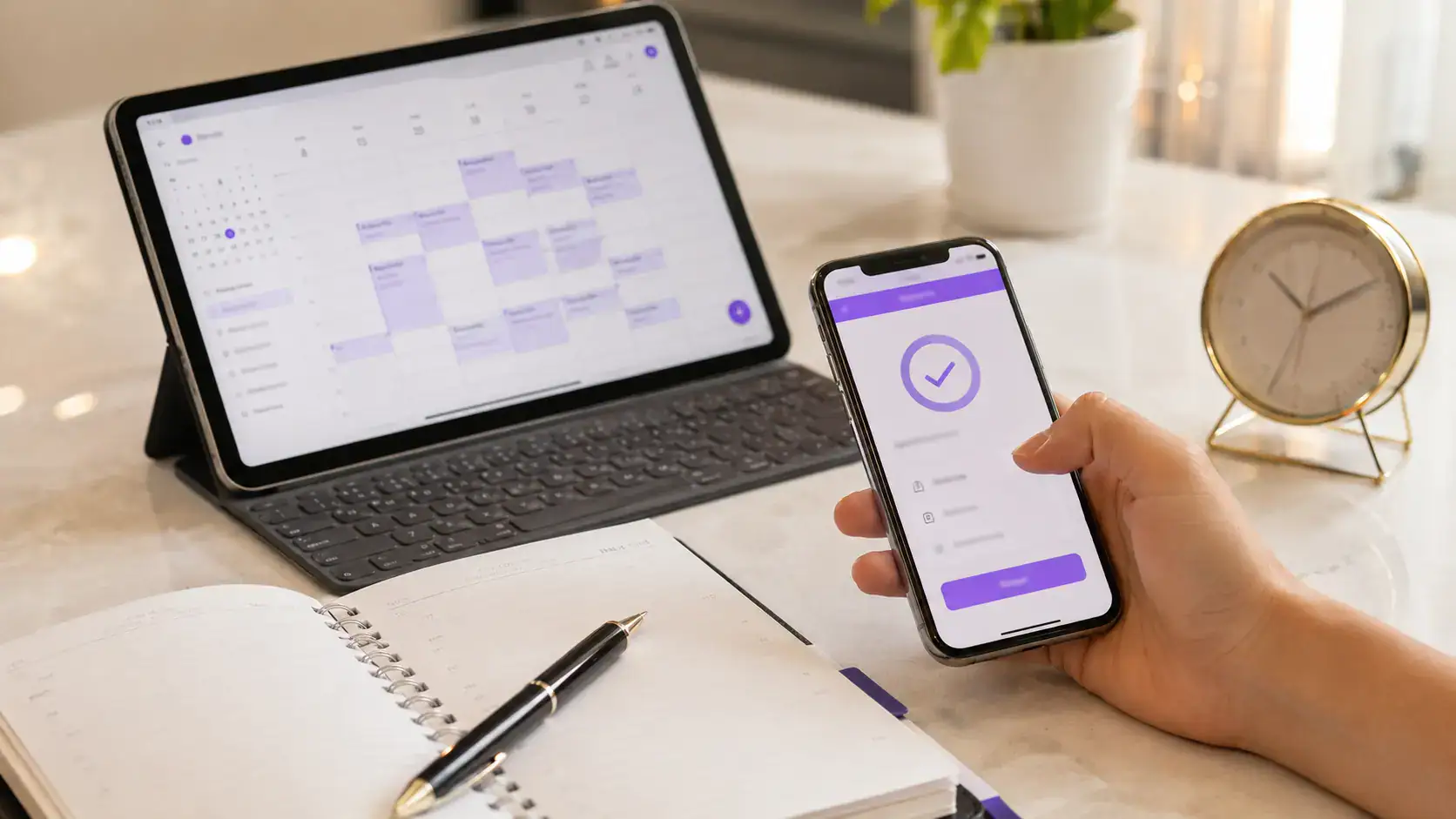
Availability calendar
The system should calculate bookable times based on working hours, service duration, breaks, holidays, and existing reservations.
Double-booking prevention
When two customers select the same time, the booking operation must safely prevent conflicting reservations for the same provider or resource.
Confirmation, rescheduling, and cancellation
Customers need to know the booking status, while staff need simple tools to confirm, move, or cancel an appointment and record a reason where required.
Notifications and reminders
Confirmations and reminders can be sent by email, SMS, or WhatsApp depending on available integrations. Timing and message frequency should be carefully controlled.
Branches and employees
For multi-branch businesses, each employee should be linked to relevant services, hours, and branch, with permissions that limit managers to their own information.
Reports
Reports may cover bookings, cancellations, no-shows, popular services, peak times, acquisition sources, and revenue where payments are processed.
Booking system levels compared
| Level | Best for | Core features | Notes |
|---|---|---|---|
| Appointment request form | Small business with manual confirmation | Customer details and preferred time | Usually does not show live availability |
| Direct booking | One provider or one branch | Calendar, availability, confirmation, reminders | Requires accurate working-hour settings |
| Multi-branch booking | Growing centres and companies | Branches, staff, permissions, and reports | Requires broader analysis and testing |
| Custom integrated system | Special workflows and high volume | Payments, app, CRM, and integrations | Requires documentation and ongoing support |
What should the management dashboard include?
- Daily, weekly, and monthly schedule views.
- Search and filters by branch, service, employee, and status.
- Manual entry for phone bookings.
- Rescheduling, cancellation, and status updates.
- Service duration and price management.
- Working hours, holidays, and blocked periods.
- Users, roles, and permissions.
- Confirmation and reminder templates.
- Data exports and reports where required.
- Activity logs for sensitive systems.
The schedule screen should remain fast and clear because employees use it throughout the day. More colours and buttons do not automatically make management easier; frequent information and actions should come first.
Does the customer need an account?
Not always. Guest booking with a phone number or email can be faster and may improve completion. Accounts become useful when customers manage several bookings, upload files, handle subscriptions, or review service history.
If accounts are added, password recovery, data security, and consent management must be clear. Customers should not be forced to register without a real benefit.
Online payments and deposits
An appointment booking website can connect to a payment gateway to collect a deposit or full amount. This may reduce no-shows for time-sensitive or limited-capacity services.
The workflow should define failed payments, cancellation, refunds, and rescheduling. Card data should be handled by an appropriate payment gateway rather than stored directly on the website.
Calendar, WhatsApp, and system integrations
Bookings can be synchronised with staff calendars, passed to a CRM, or sent to customer service. A project may also integrate with clinic software, an ERP, or a mobile application.
Before selecting an integration, check API documentation, recurring fees, usage limits, and what happens if the external service becomes unavailable.
Protecting customer data
Collect only necessary data, limit who can view it, and use encrypted connections, backups, and separate permissions. Medical or legal businesses should avoid requesting sensitive details in a general booking form unless necessary and properly protected.
Security also includes spam protection, login controls, system updates, account reviews, and activity logging for important changes.
Mobile booking and performance
Most customers will book from a phone. Fields should be large, the calendar should be clear, time selection should be easy, and error messages should explain exactly what needs to be fixed.
Heavy images and unnecessary scripts can delay the booking page and lose users before completion. Performance should be optimised and the form tested on real mobile network conditions.
Can a booking website rank on Google?
Yes, but a calendar alone is not enough. The website needs clear pages for services, branches, and specialties, useful content, organised URLs, and strong titles and descriptions.
Internal links between service pages, articles, and the booking page support visitors and search engines. Private account areas, booking results, and temporary URLs should not be indexed.
Appointment booking website cost factors
- Number of services, branches, and providers.
- Different service durations and prices.
- Instant booking or manual approval.
- Cancellation, rescheduling, and waiting lists.
- Notification channels.
- Online payment, deposits, and refunds.
- Customer and employee accounts and permissions.
- Reports, exports, and integrations.
- Custom design, languages, and content entry.
- Hosting, security, maintenance, and support.
To understand the website foundation in addition to the booking system, review our website design cost guide for Egypt.
Implementation stages
- Operations analysis: document services, durations, branches, and hours.
- Booking rules: define notice periods, cancellation, deposits, and conflicts.
- Customer and staff journeys: map every step from selection to completion.
- Interface design: design mobile booking, management, and reporting screens.
- Development and integrations: build the system and connect messaging or payments.
- Testing: validate conflicts, payments, cancellations, permissions, and alerts.
- Pilot operation: test with a limited group before full launch.
How DevAin builds a practical booking website
DevAin begins by understanding the existing appointment process and the problems facing the team, then defines the simplest booking journey that meets the goal. Service and booking pages are designed for mobile use, while the dashboard follows employees’ daily actions.
We also plan permissions, security, performance, technical SEO, integrations, and future expansion. The goal is not simply to add a calendar, but to reduce manual work, prevent conflicts, and improve customer experience.
Frequently asked questions
Can appointments require manual confirmation?
Yes. A request can begin as “pending confirmation” and be reviewed by an employee before it is approved.
Can same-day booking be disabled?
Yes. A minimum notice period and a maximum future booking window can be configured.
Can the system support multiple branches?
Yes. Services, employees, working hours, and permissions can be configured separately for each branch.
Are WhatsApp messages free?
This depends on the integration provider, message type, and volume. External communication fees should be calculated separately from website development.
Can the system collect only a deposit?
Yes, when the payment gateway and booking logic support it, with a clear cancellation and refund policy.
How long does development take?
It depends on branches, services, rules, integrations, and design. A simple appointment request form is faster than a multi-branch system with payments, reports, and granular permissions.
Turn booking into an organised experience
Successful appointment booking website design in Egypt depends on clear rules, simple use, and system stability. Share your business type, branches, services, and current booking process with DevAin, and our team will help you plan a practical solution that reduces conflicts and makes appointments easier to manage.